CI/CD Pipeline Explained: From Git Commit to Kubernetes Deploy (Docker + GitHub Actions)
A practical CI/CD architecture guide — build, test, containerize, and deploy to Kubernetes with GitHub Actions, Docker images, rollouts, and production-ready NestJS SaaS pipelines.
- CI/CD
- Docker
- Kubernetes
- GitHub Actions
- DevOps
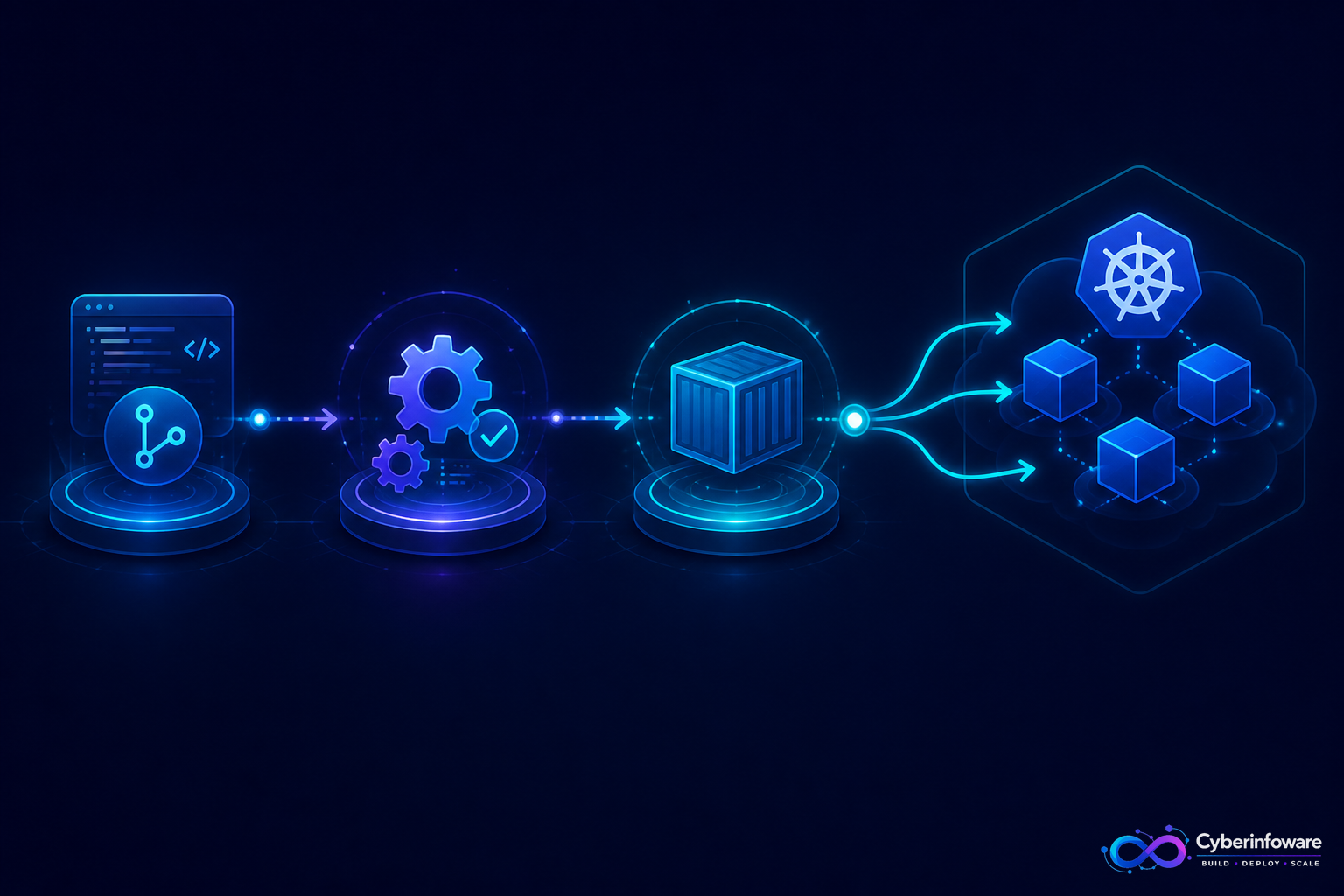
A CI/CD pipeline is the path from a git commit to a running service your customers can hit. Without it, teams ship by hand: build locally, push an image, edit YAML, hope the cluster agrees. With it, every merge can run tests, produce an immutable Docker image, and roll out to Kubernetes with a repeatable process.
This guide explains a production-shaped pipeline for NestJS microservices and SaaS platforms — and how Cyber Infoware kits wire GitHub Actions, Docker, and Kubernetes so you start from a working delivery path.
CI vs CD in one minute
- Continuous Integration (CI) — on every pull request: install, lint, unit/integration tests, build the app
- Continuous Delivery — produce a deployable artifact (Docker image) ready for staging/production
- Continuous Deployment (CD) — automatically apply that artifact to a cluster (with gates and rollbacks)
A practical GitHub Actions + Docker + Kubernetes flow
- Developer opens a PR — Actions runs tests against NestJS services.
- Merge to main — pipeline builds a Docker image tagged by git SHA.
- Image is pushed to a registry (GHCR, ECR, etc.).
- Deploy job updates Kubernetes manifests / Helm values to the new tag.
- Cluster pulls the image; Deployment does a rolling update across Pods.
- Health probes fail? Kubernetes stops the rollout; you roll back to the previous tag.
Why image tags matter
Always deploy an immutable tag (`sha-abc123`), not floating `latest`. That is how you reproduce incidents and roll back safely. SaaS control planes with many services need this discipline — one bad gateway image should not force a mystery rebuild.
Pipeline design tips for multi-service SaaS
- One workflow per service (or a matrix) so a catalog change does not rebuild billing
- Cache node_modules / Docker layers to keep PR feedback under a few minutes
- Separate staging and production environments with explicit approvals for prod
- Smoke-test the API gateway and Keycloak login after deploy — not only unit tests
- Emit OpenTelemetry traces in the app so deploy regressions show up in Grafana quickly
What “done” looks like
You can merge a NestJS change, watch Actions go green, and see the new tag on a Kubernetes Deployment without SSH. That is the delivery bar modern SaaS buyers quietly assume. Explore packages on cyberinfoware.com or contact us to match a kit to your pipeline goals.
Explore Cyber Infoware packages
Production NestJS SaaS foundations with commercial licensing — pick the architecture that matches your team.
- NestJS Microservice Starter Kit
Production NestJS microservices — API gateway, Keycloak SSO, RabbitMQ, Docker, Kubernetes, and Terraform.
- Enterprise SaaS Microservices Boilerplate
Full multi-tenant SaaS control plane as NestJS microservices — service-per-DB, billing, audit, notifications.
- Multi-Tenant SaaS Boilerplate
Best-seller NestJS multi-tenant SaaS boilerplate — one API, per-tenant databases, billing, and Keycloak SSO.